
Record
Tap a Story Sticker with a phone and record the voice while the story is being told.
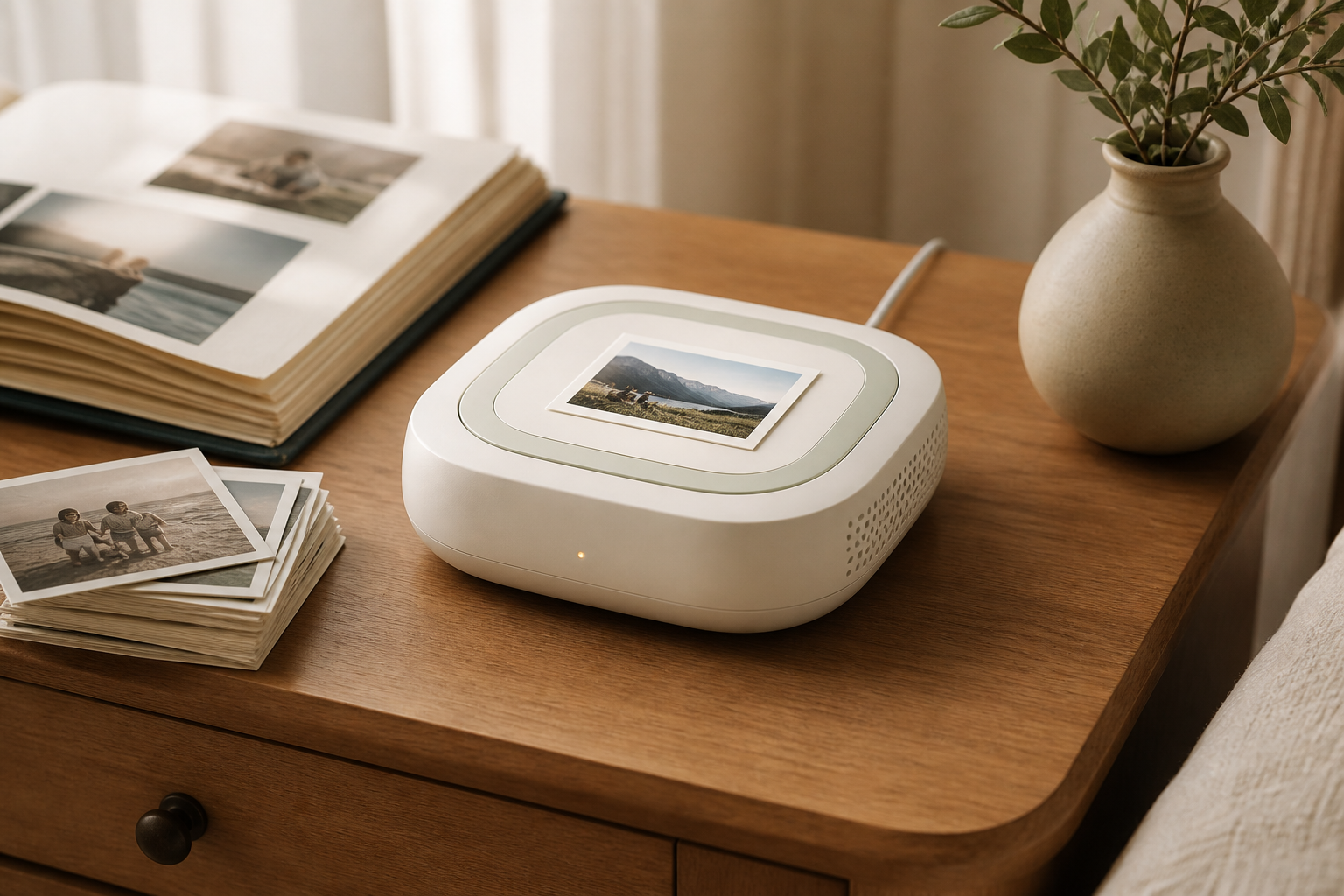
Pick an old photo, tap a Story Sticker with your phone, and record the voice behind it. Save it to your Library, wait for Ready to play, then tap the photo on Story Dock to hear it aloud.
Pick an old photo
Record the voice
Hear it aloud
The phone captures the story while someone is holding the photo. The dock gives favorite recordings a simple place to play later.
Tap a Story Sticker with a phone and record the voice while the story is being told.
Listen first, then sign in and save the memory to your Library.
Wait for Ready to play, then tap the photo, card, or keepsake on Story Dock to hear the matching voice aloud.
Ask what was happening before the names and places disappear.
Save the voice telling the story, not just the caption.
Connect a toast, blessing, or favorite memory to the photo, card, or keepsake people keep.
Keep a familiar voice close to a card, album page, or printed photo.
Capture the tiny stories and voices that change before anyone notices.
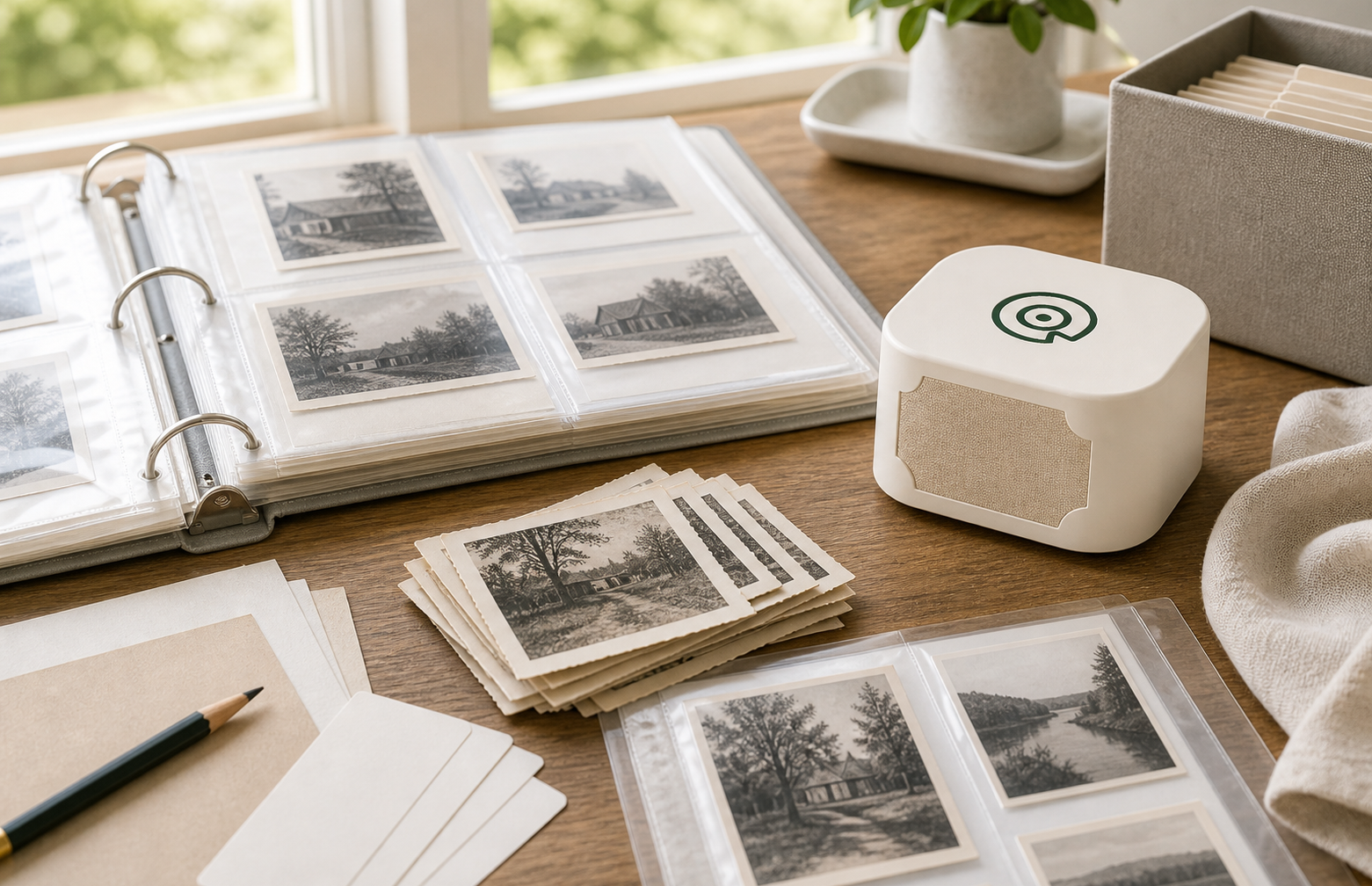
The founder kit is meant to make one real photo easy to start: Story Dock, 20 Story Stickers, one individually matched setup email, and the tested power supply.
Story Dock
20 Story Stickers
Matched setup email
Tested power supply
The dock is the home playback object. Story Stickers are the refill path for new photos, cards, albums, and keepsakes.
For the first home setup: the dock, Story Stickers, one matched setup email, and the tested power supply.
Join the kit waitlist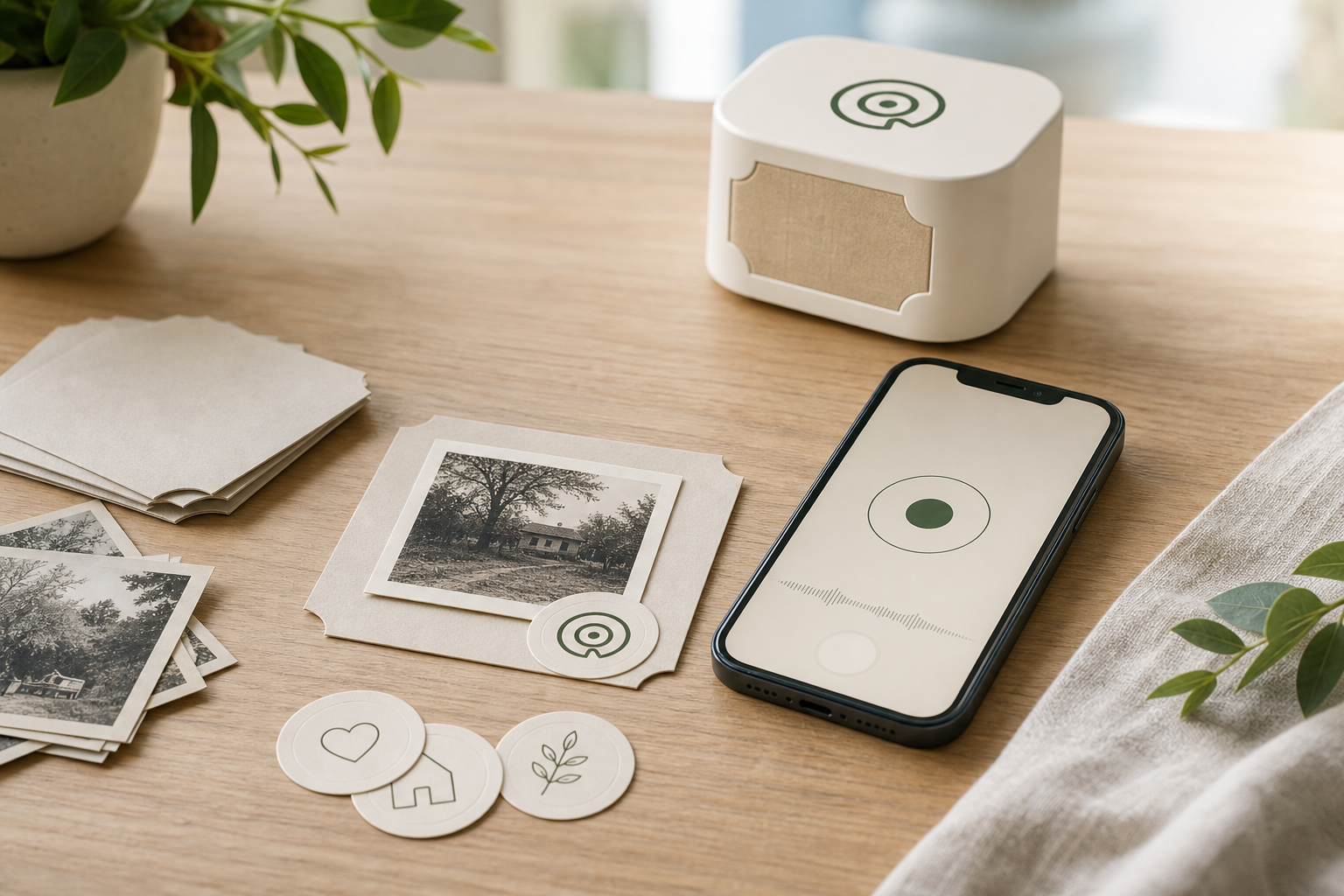
For adding more playable memories to photos, albums, cards, and keepsakes after the first kit is ready.
See Story StickersThe phone is the recorder. The dock plays favorite saved memories aloud.
Normal listening should stay simple after stories are synced; any paid options later should be clear extras.
Owners can organize recordings, disable Story Stickers, move memories to Recently Deleted, and download a backup.
Use duplicate prints, sleeves, album pages, or backing cards for anything irreplaceable.
The phone records or uploads the voice. Story Dock plays favorite saved recordings from the photo, card, album page, or keepsake that started the story.
Story Stickers open the phone recording page and give the dock a physical thing to recognize later. They are meant to stay quiet on the photo or backing piece.
The first tap opens a simple page for recording or uploading the voice. Listen before you save; sign-in is required when the memory is ready for your Library.
Tap the saved photo or card on Story Dock to hear the voice aloud. The first tests are focused on making that home playback moment feel reliable and simple.
A Story Dock account keeps recordings, Story Stickers, and docks organized. It is also where returning users can download copies, move recordings to Recently Deleted, and disable Story Stickers. A Library that has ever linked a Story Dock uses support-led final deletion.
A Story Sticker works like a physical key. Anyone holding the sticker, or anyone who receives a copied tap link, may be able to listen. Treat it like a private photo. The owner can require account sign-in for phone listening or disable the sticker in Library. A Story Dock that already synced a memory may still keep its offline copy.
Do not put first-test stickers directly on irreplaceable original photos. Use a duplicate print, sleeve, album page, backing card, or other non-original surface.
No purchase yet. Join for founder updates, early tester invites, and the first chance to hear when the first Story Dock kits and Story Stickers are ready.